Performance Improvements, Workflow Builder Platform Walkthrough & More
Platform performance has been significantly improved with faster loading, Intelligence caching, and new Workflow Builder guidance through an interactive walkthrough and documentation.
What's New
Platform Performance Improvements
The platform has been optimized to deliver a faster and smoother experience across all features.
Improvements
- Reduced overall platform loading time for improved responsiveness.
Workflow Builder Walkthrough
Getting started with Workflow Builder is now easier than ever.
- Added an interactive platform walkthrough to guide users through creating and managing workflows.
- Helps new users quickly understand the Workflow Builder interface and available capabilities.
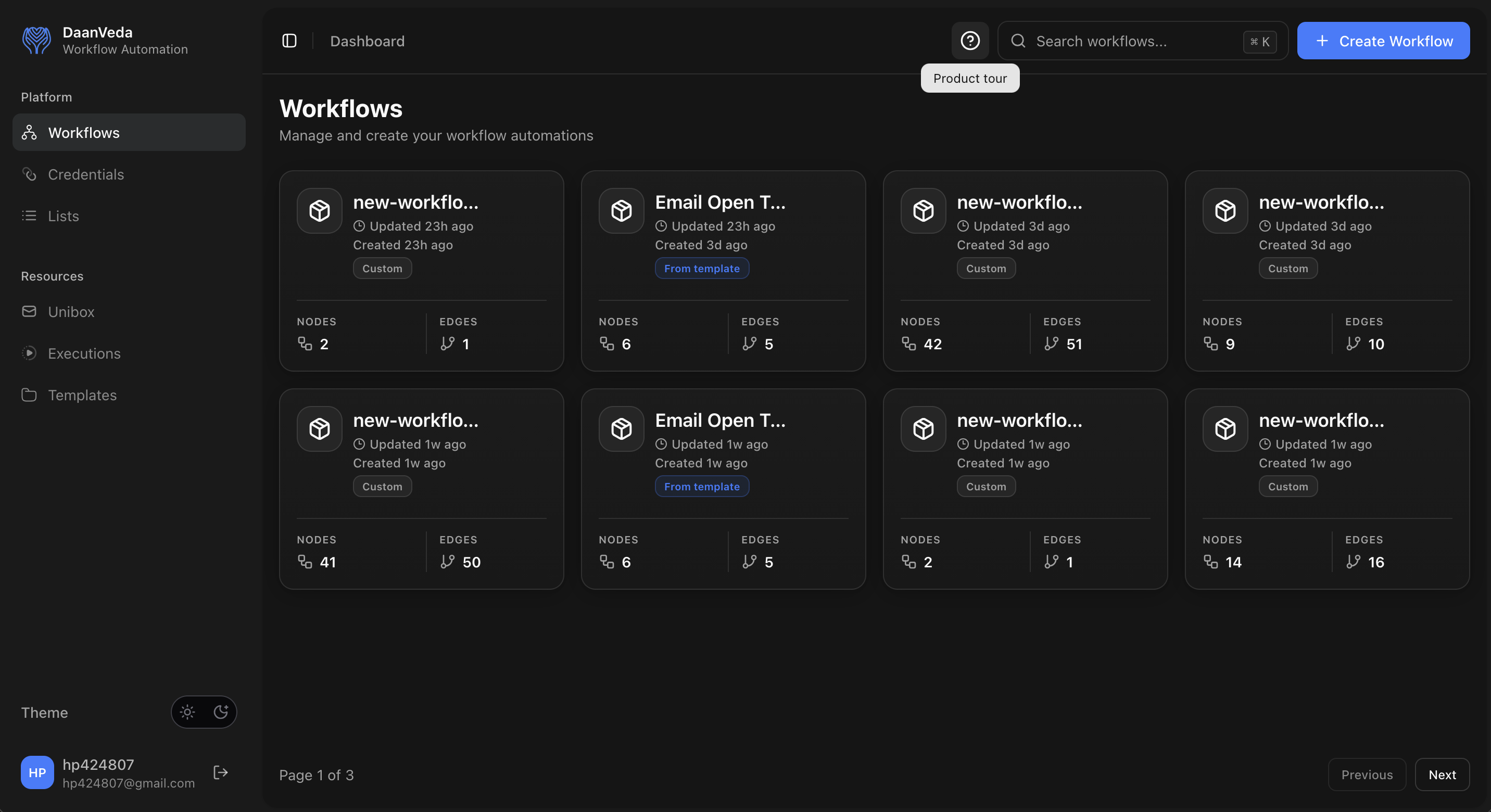
Start the Product Tour
Access the Workflow Builder walkthrough at any time by clicking the Product Tour icon in the top navigation bar. The tour provides a guided introduction to the features available on the current page.
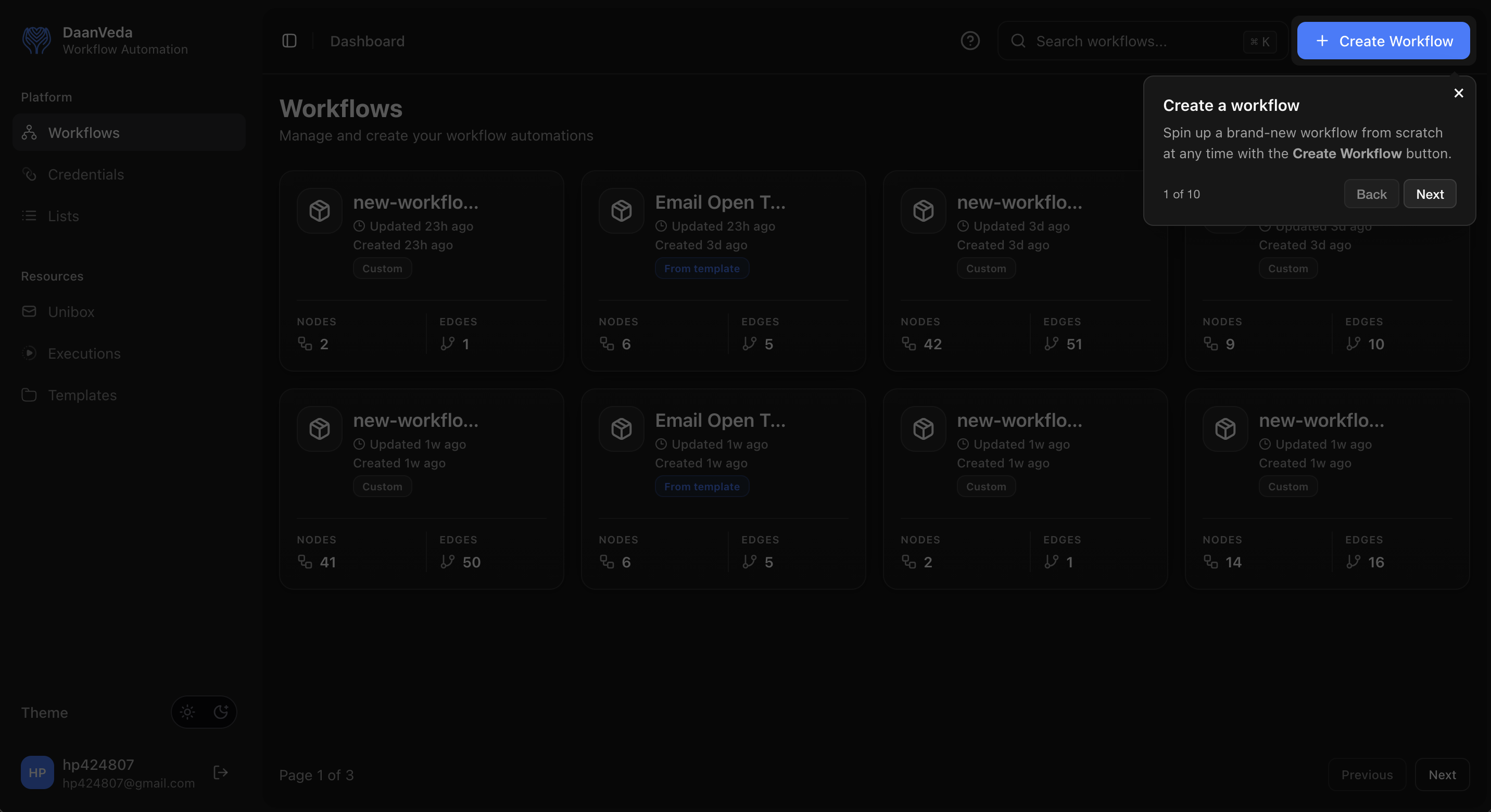
Step 1: Create Your First Workflow
The walkthrough begins by highlighting the Create Workflow button, guiding users to start building a new automation from scratch.
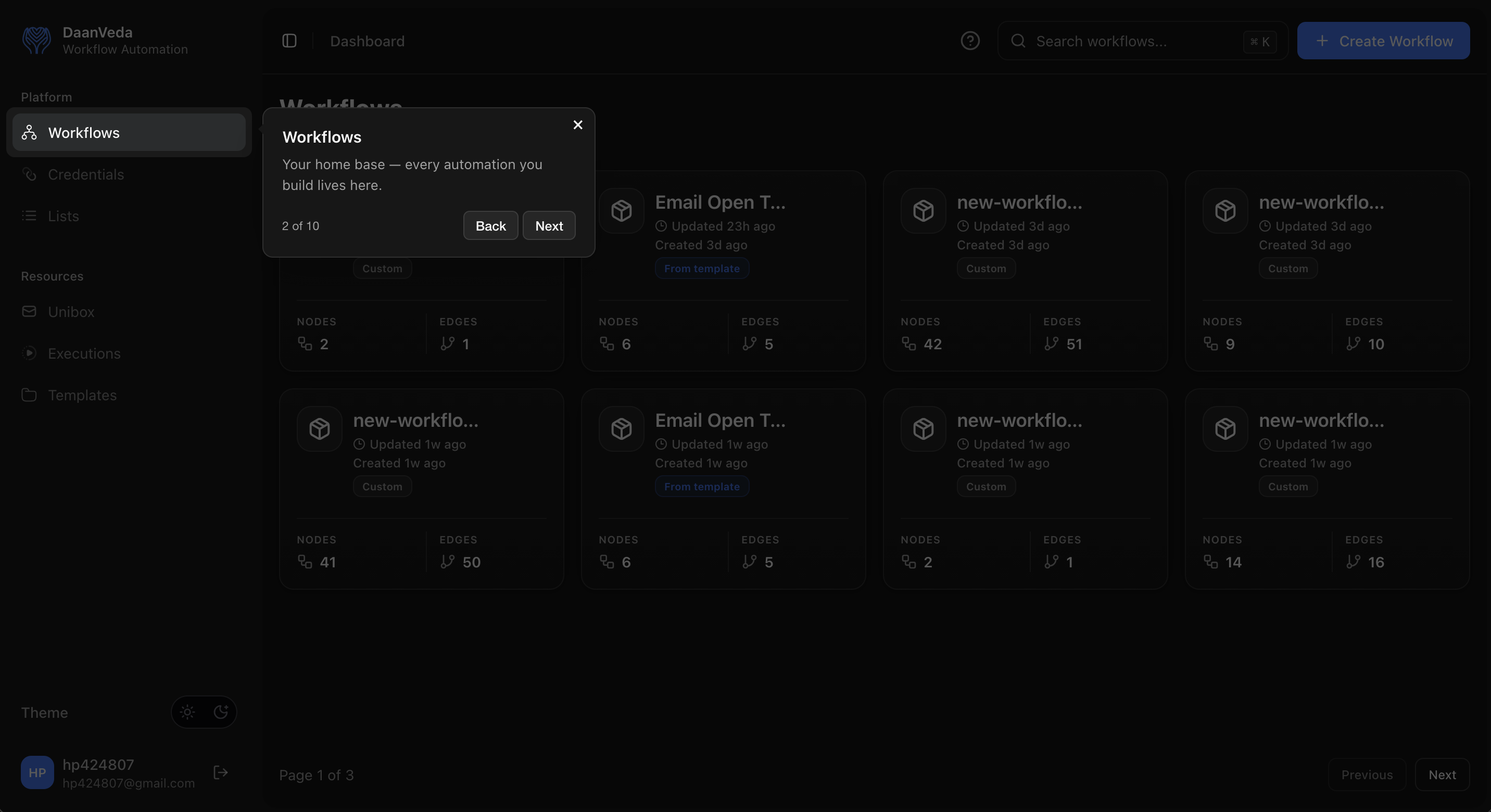
Step 2: Explore the Workflows Dashboard
The next step introduces the Workflows page, explaining where all your automations are organized and managed.
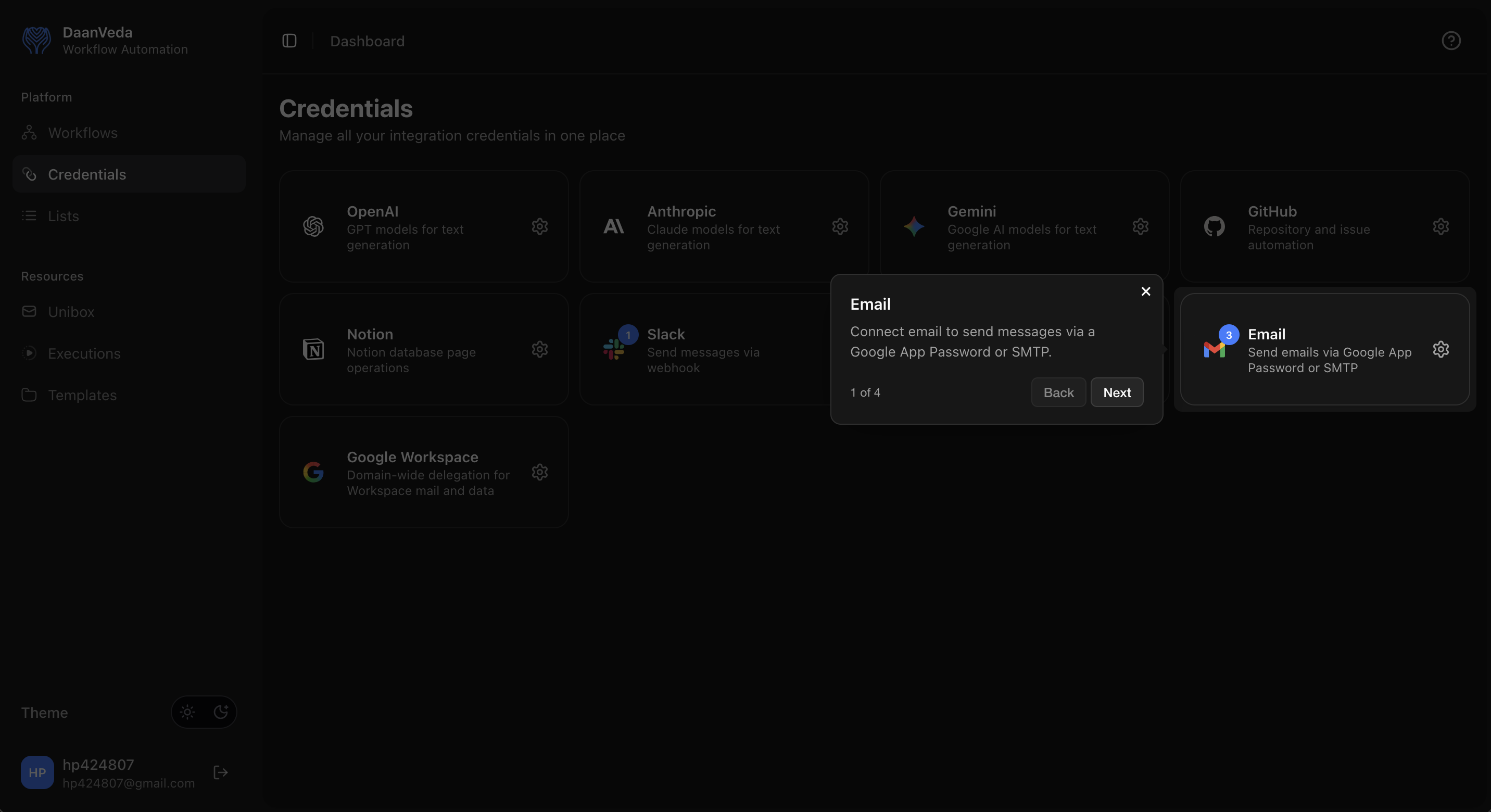
Guided Tour for Credentials
The product tour also extends to the Credentials page, helping users understand how to configure integrations such as Email, OpenAI, Google Workspace, Slack, and other supported services.
Workflow Builder Documentation
Comprehensive documentation has been added for Workflow Builder.
- Covers workflow creation, configuration, and execution.
- Provides step-by-step guidance and best practices to help users build automations more efficiently.